
How to Install AVG on Multiple Devices

How to Install AVG on Multiple Devices

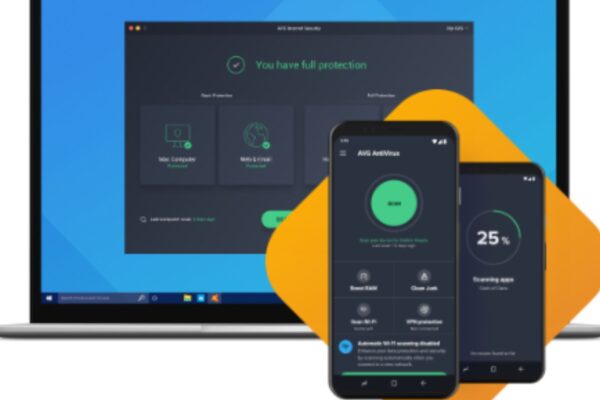
If you’ve purchased a multi-device license for AVG Antivirus, you can easily install the software on multiple devices, including Windows PCs, Mac computers, and mobile devices. Here’s a step-by-step guide on how to install AVG on different devices to protect them all under one license. 1. Install AVG on a Windows PC Steps to Install…

Read More
How to Test if Your Antivirus Is Working

How to Test if Your Antivirus Is Working

Having an antivirus installed gives peace of mind—but how can you be sure it’s actually doing its job? In 2025, cyberthreats are evolving faster than ever, and even the best antivirus solutions need occasional checks to ensure they’re functioning properly. Whether you’re using AVG, Norton, Bitdefender, or any other security software, it’s important to test…

Read More
Solving Internet Connectivity Issues Caused by AVG

Solving Internet Connectivity Issues Caused by AVG

AVG Antivirus is designed to protect your computer from online threats, but sometimes it can interfere with your internet connection. If you’re experiencing connectivity issues after installing or updating AVG, it could be blocking your network or causing disruptions. Fortunately, there are several troubleshooting steps you can take to resolve this issue. 1. Check Your…

Read More
How to Repair a Corrupt AVG Installation

How to Repair a Corrupt AVG Installation

AVG Antivirus is a powerful tool that protects your computer from viruses, malware, and other online threats. However, sometimes the software can become corrupted, causing it to stop working properly. If you’re experiencing crashes, error messages, or scanning issues, you may need to repair your AVG installation. This guide will walk you through the steps…

Read More